When plastic folds over itself in thermoforming, it's called "overdraw" or "overstretching." This happens when the plastic sheet is stretched too much during the forming process, causing it to create folds or wrinkles.
Webbing occurs in areas of deep draws or sharp corners in the part. It happens when the plastic sheet is forced to conform to the tool shape, leading to excessive stretching and the formation of folds or wrinkles. It's considered a defect because it can weaken the plastic and make it look uneven.
Webbing when using the FormBox is either a tool issue or a user error.
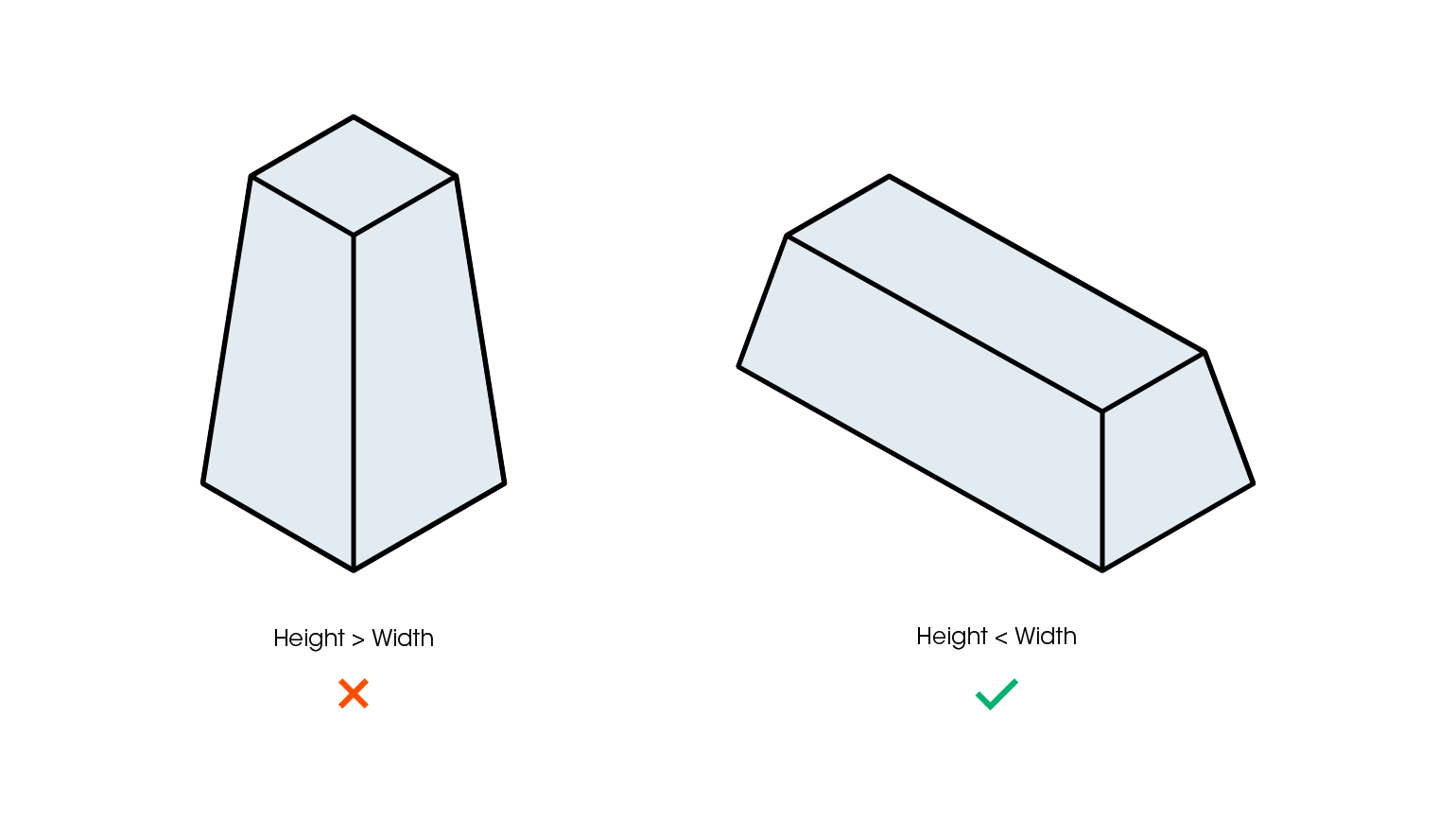
Wide parts are easier to form than tall ones. This means you should strive to create tools that are wider than they are tall – or use generous draft angles to compensate.
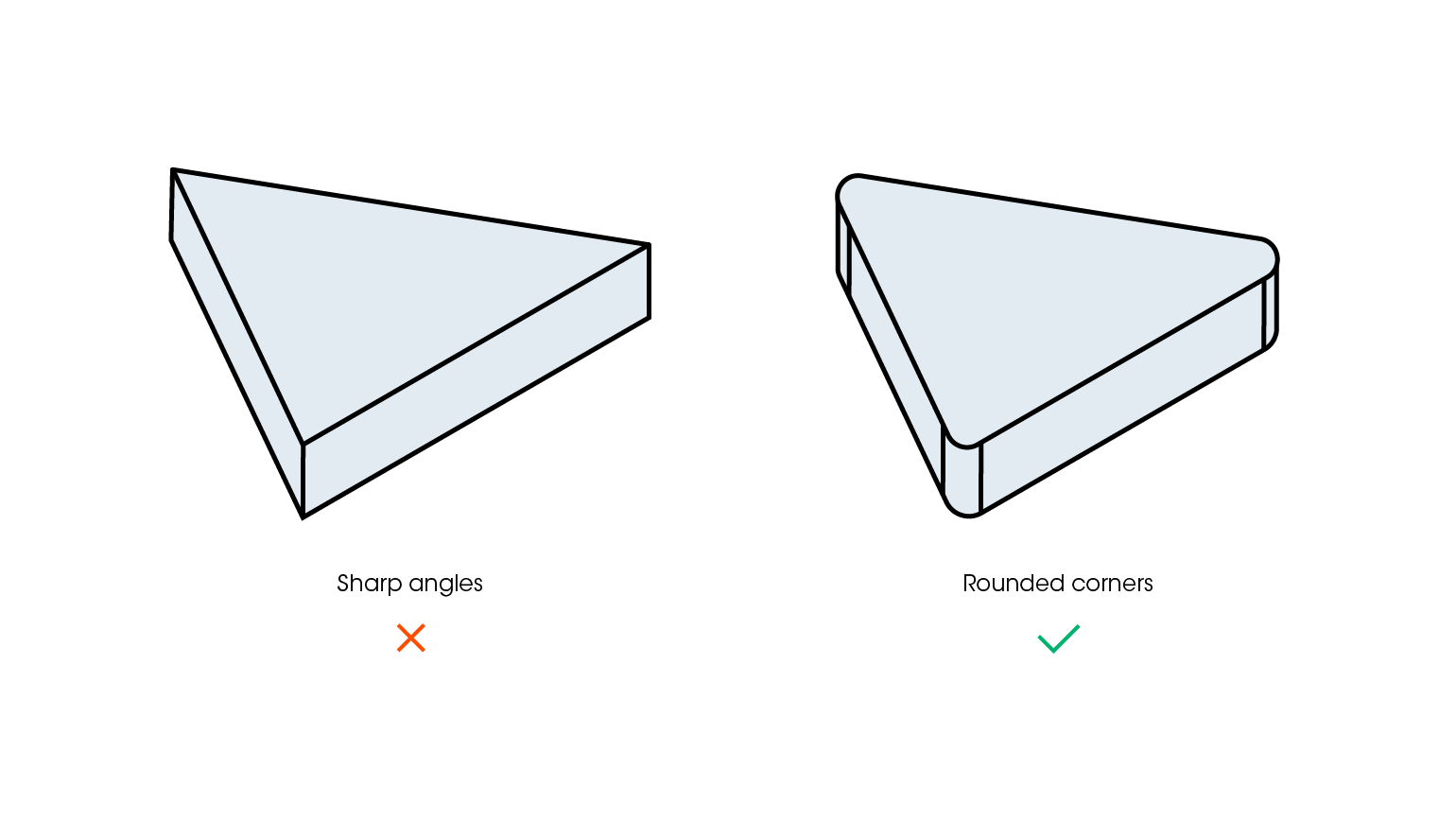
Sharp vertical corners are more likely to cause a plastic sheet to web and tear during the forming process. To avoid this and improve final part quality, ensure that all of a tool’s corners and edges are rounded.
The tray was pulled down too quickly or the sheet was too hot when you formed.
When pulling your trays down to the base of the FormBox, you only need to apply enough pressure to make the silicon seals airtight. This is roughly about as much pressure as you would use to close a tupperware lid. A quick action to remove the trays from the heater unit followed by a smooth downward motion to lay the plastic over your template will create the best forms.
https://www.youtube.com/watch?v=UmXUDubshus
https://www.youtube.com/watch?v=Gz86hAx9DPg